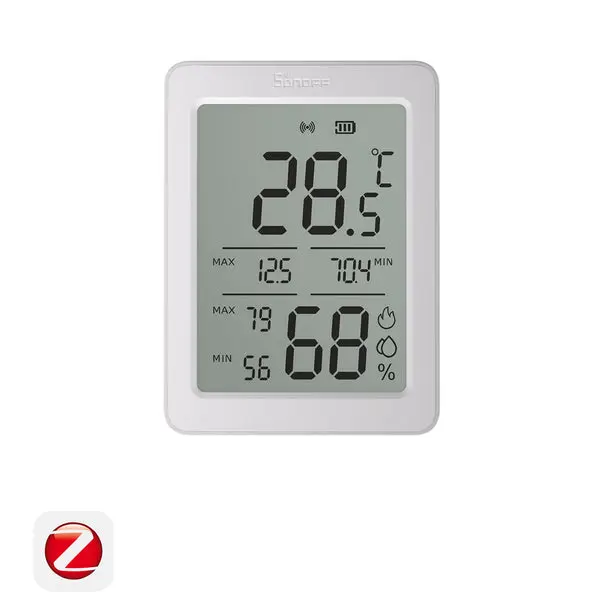
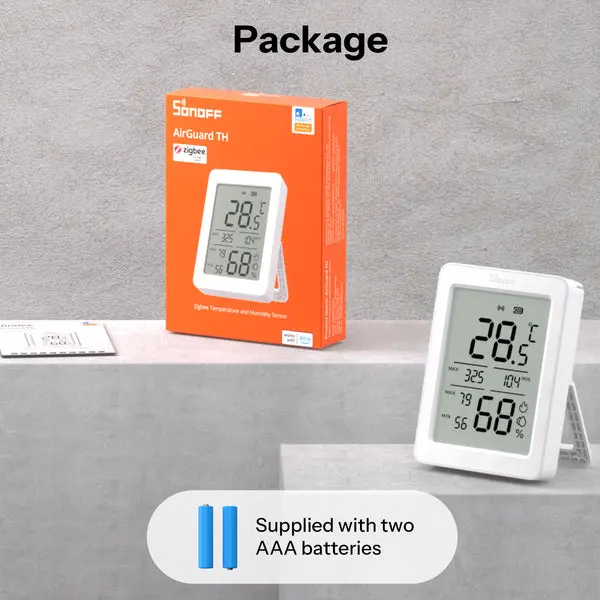


SONOFF AirGuard TH 3.6'' LCD Zigbee Temperature And Humidity Sensor | SNZB-02DR2
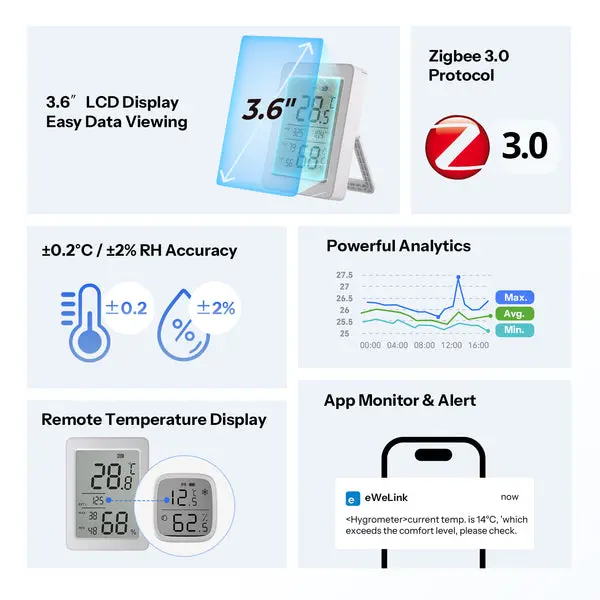
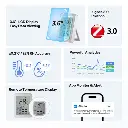
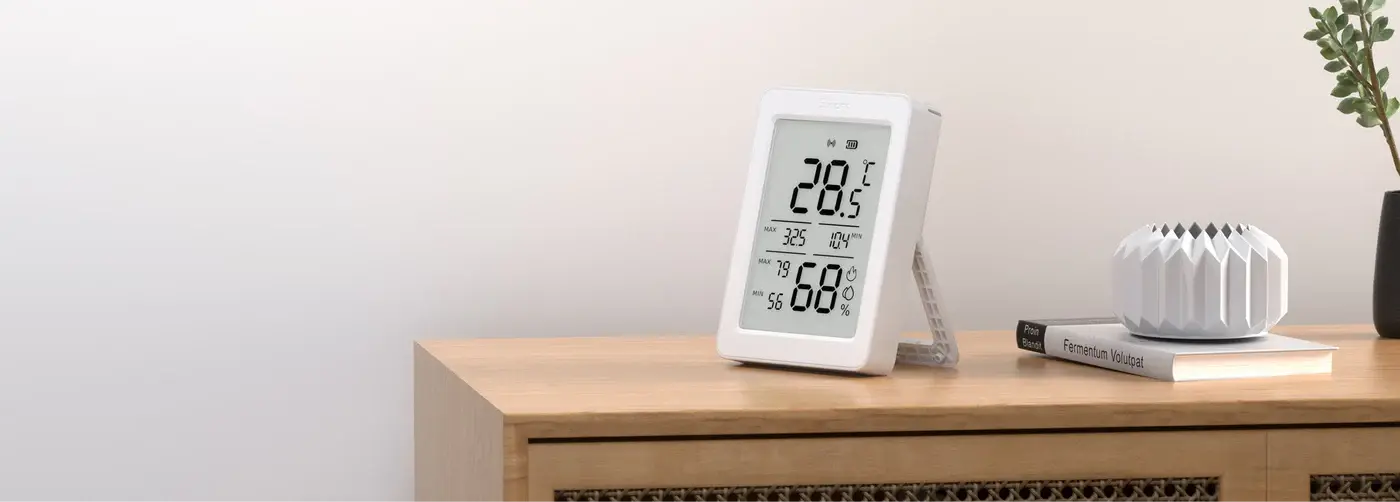
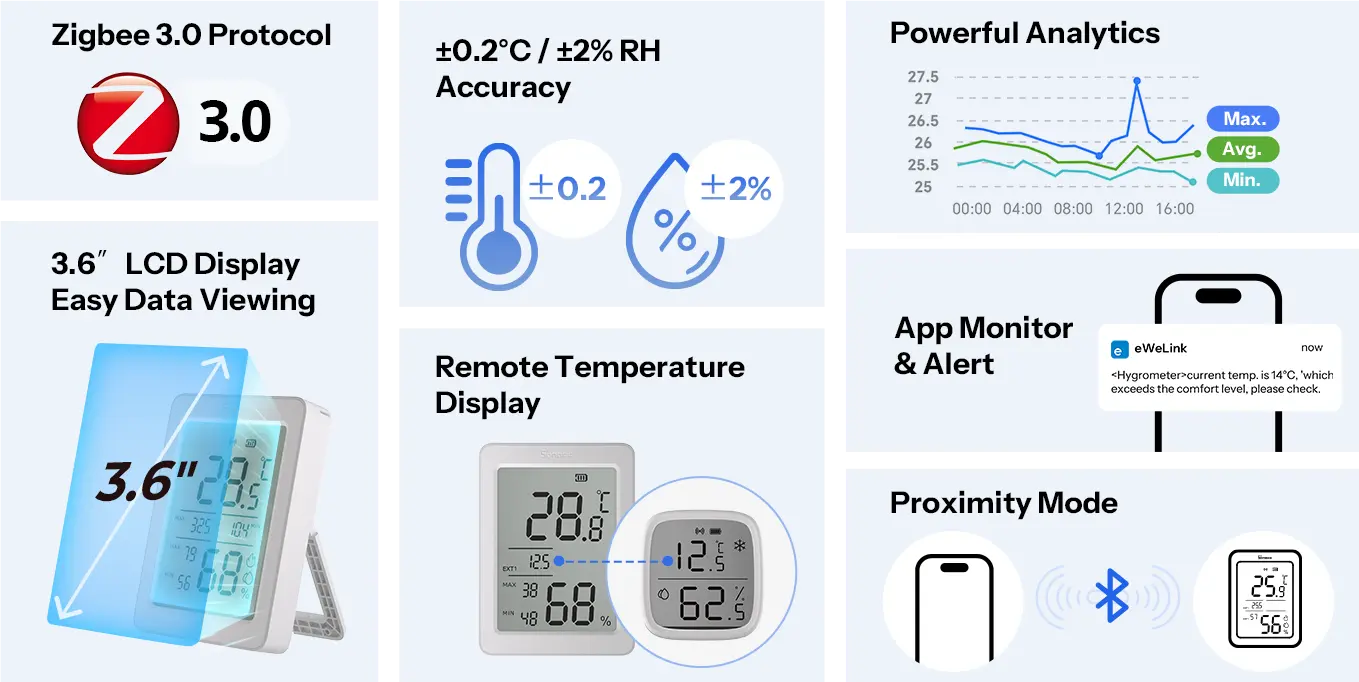
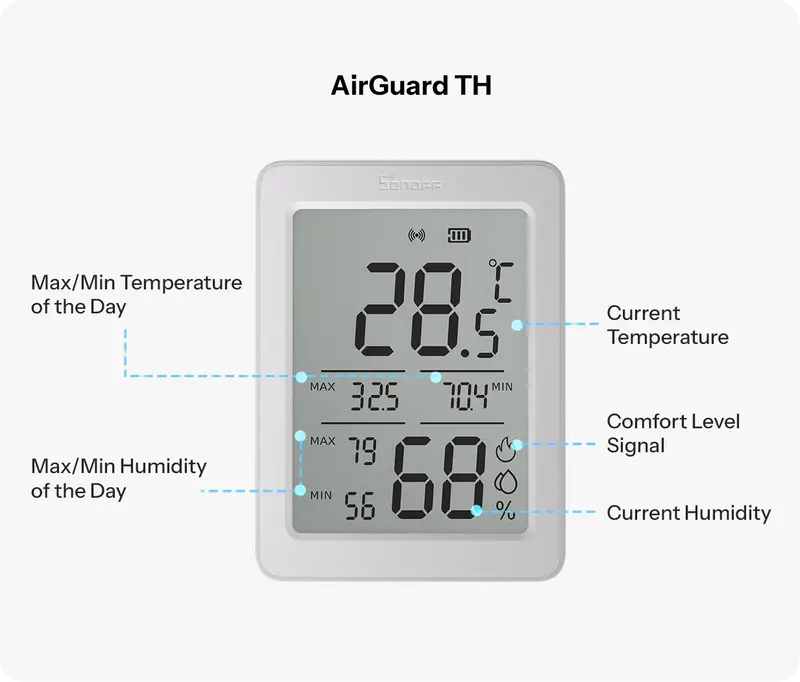
【Large Display & Rich Data】Features a 3.6'' LCD screen to simultaneously view real-time temperature and humidity, 24-hour extremes, and remote sensor data at a glance.
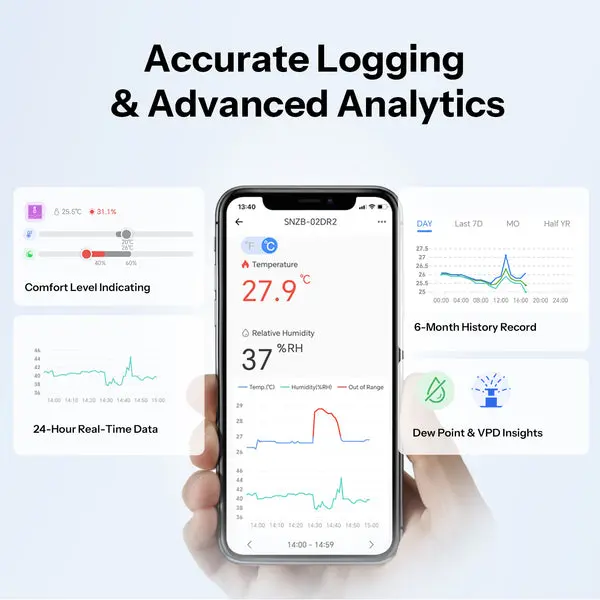
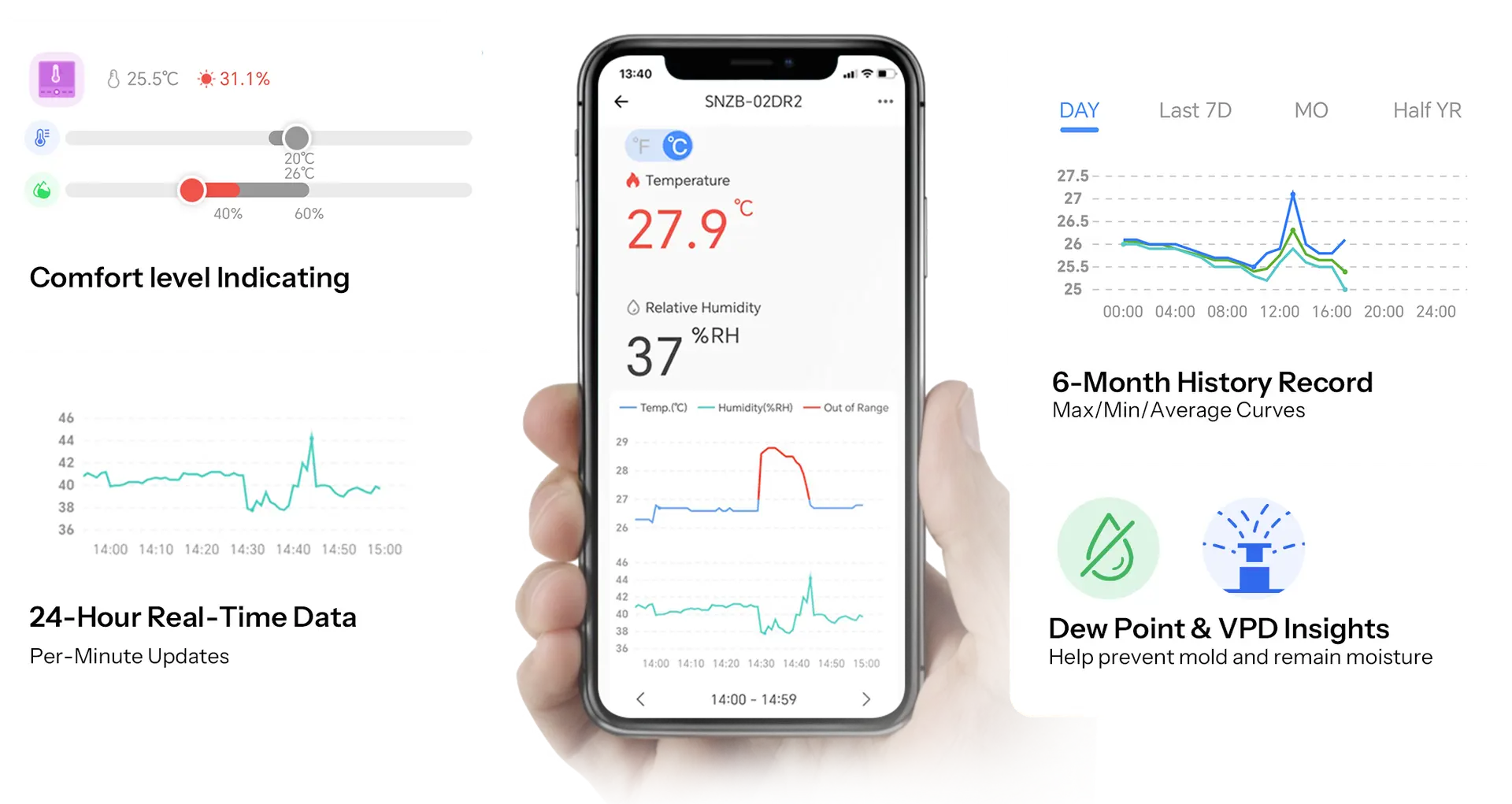
【App Monitoring & Advanced Analysis】Track temperature and humidity in the eWeLink App via a Zigbee gateway, accessing up to 6 months of detailed records with max, min, and average curves, plus dew point and VPD analysis for clear, data-driven air-quality insights.
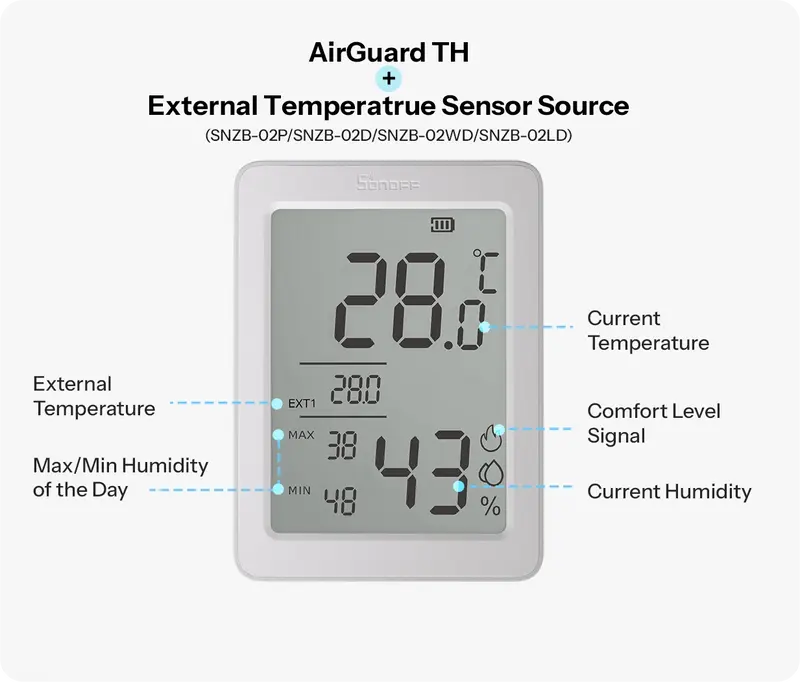
【Remote Temperature Comparison】In Zigbee mode, links with SNZB-02/02P/02WD/02D/02LD devices to instantly display other sensor temperatures, allowing fast checks without opening your phone or entering the room.
【Smart Scene Automation】Works with other smart devices—such as humidifiers, air conditioners, and more—to help automatically maintain a healthy, comfortable temperature and humidity level throughout your home.
【Flexible Reporting Frequency】Adjustable temperature and humidity reporting intervals based on thresholds or cycles, providing data updates tailored to your needs.

Every Change Displayed.
Every Comfort Guarded.
AirGuard TH - 3.6'' LCD Zigbee Temp. & Humi. Sensor
*Note:Zigbee Gatway is Needed.
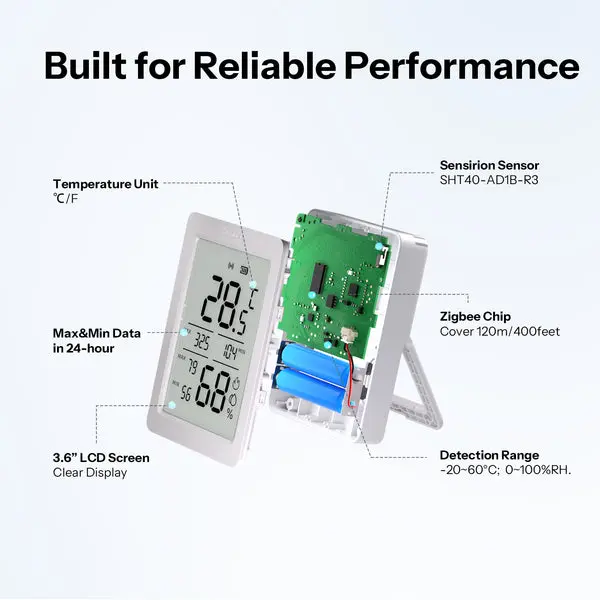
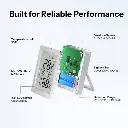
Built for Reliable Performance
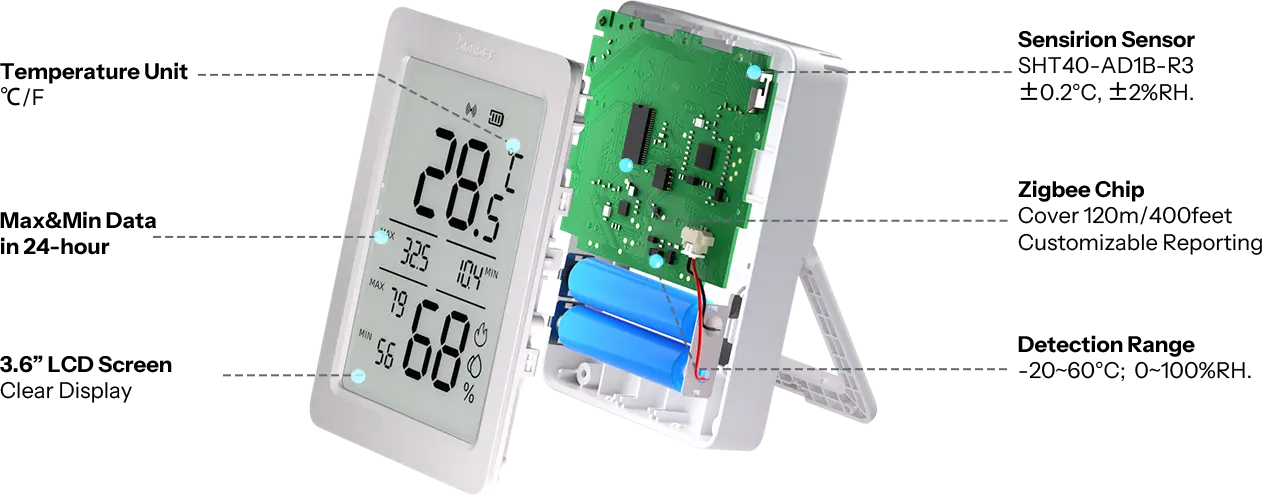
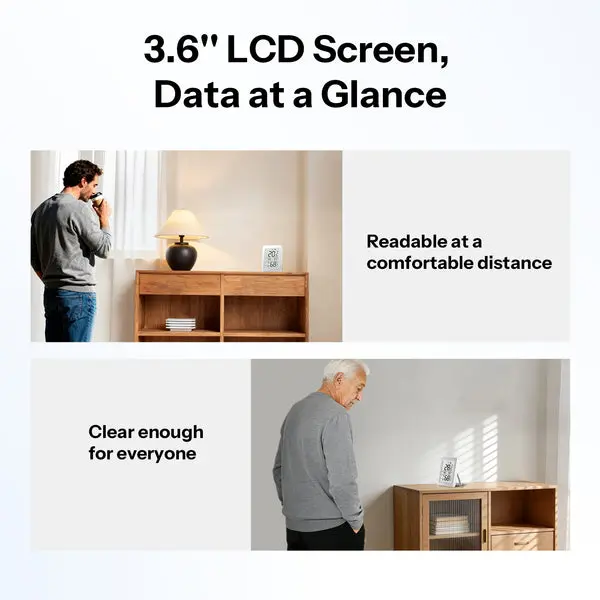
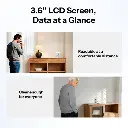
3.6'' LCD Screen, Data at a Glance
.

Readable at a comfortable distance
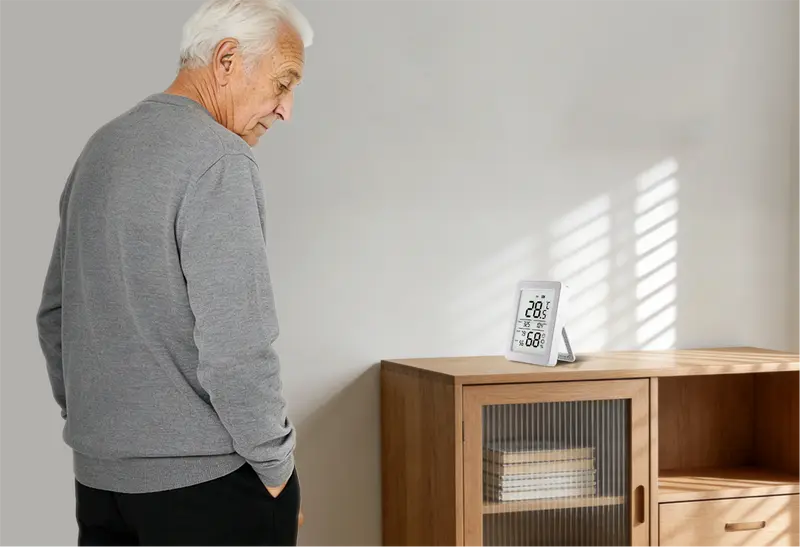
Clear enough for everyone
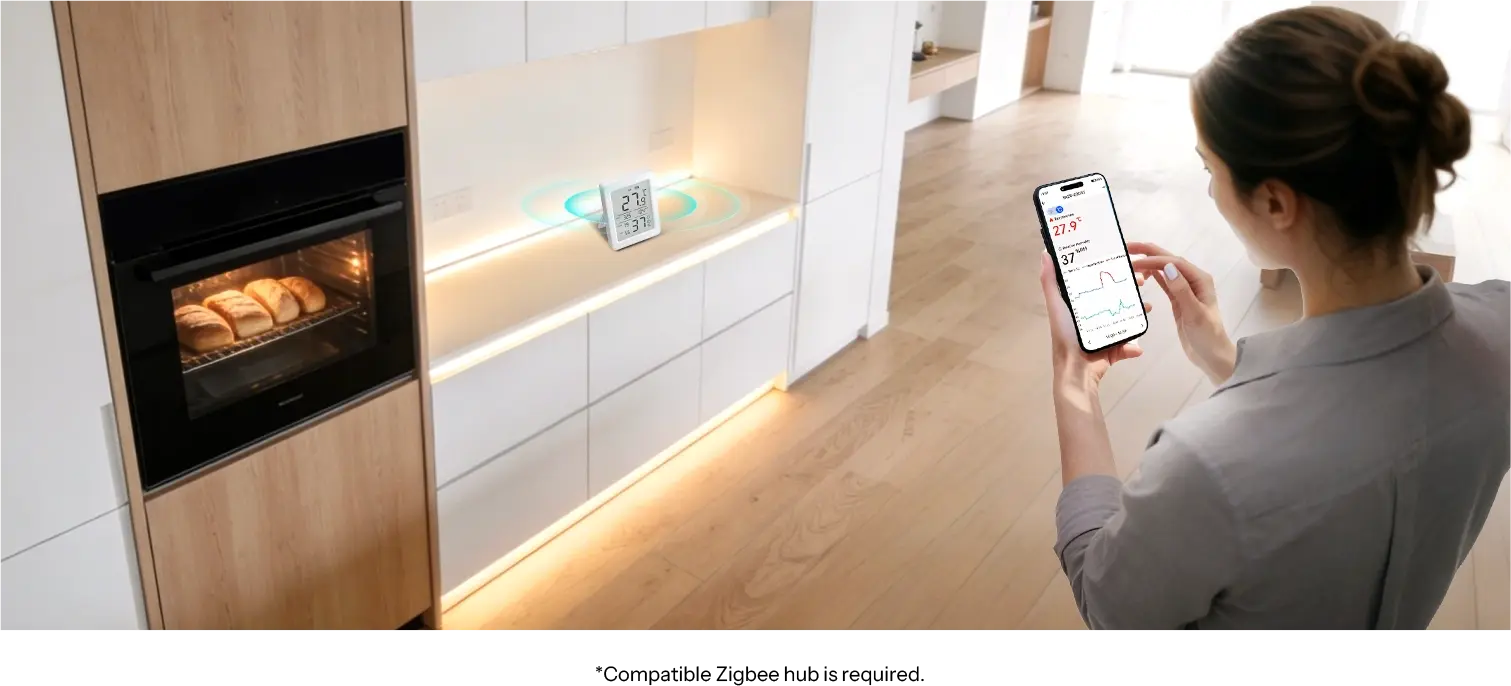
Display at home, monitor from anywhere
Achieve remote, real-time monitoring through the eWeLink App. For example,
check if the temperature in the kitchen remain stable in the living room after the oven starts working.
Accurate Logging & Advanced Analytics
.
*AirGurad PM2.5 integration with the third-party Matter ecosystem requires a Matter hub.
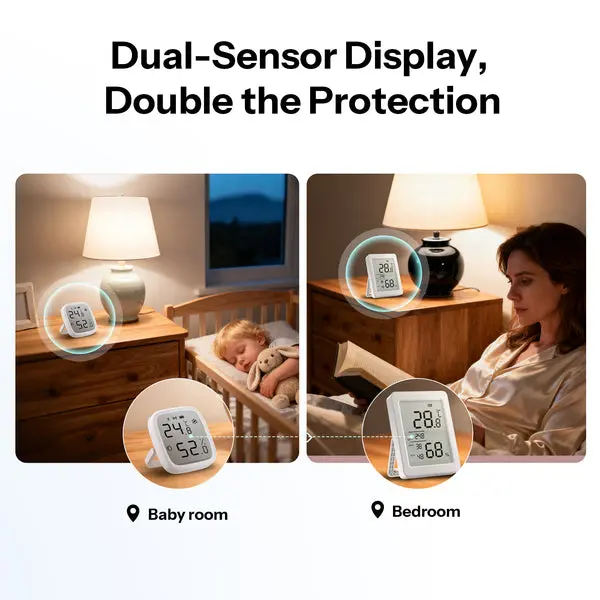
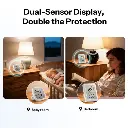
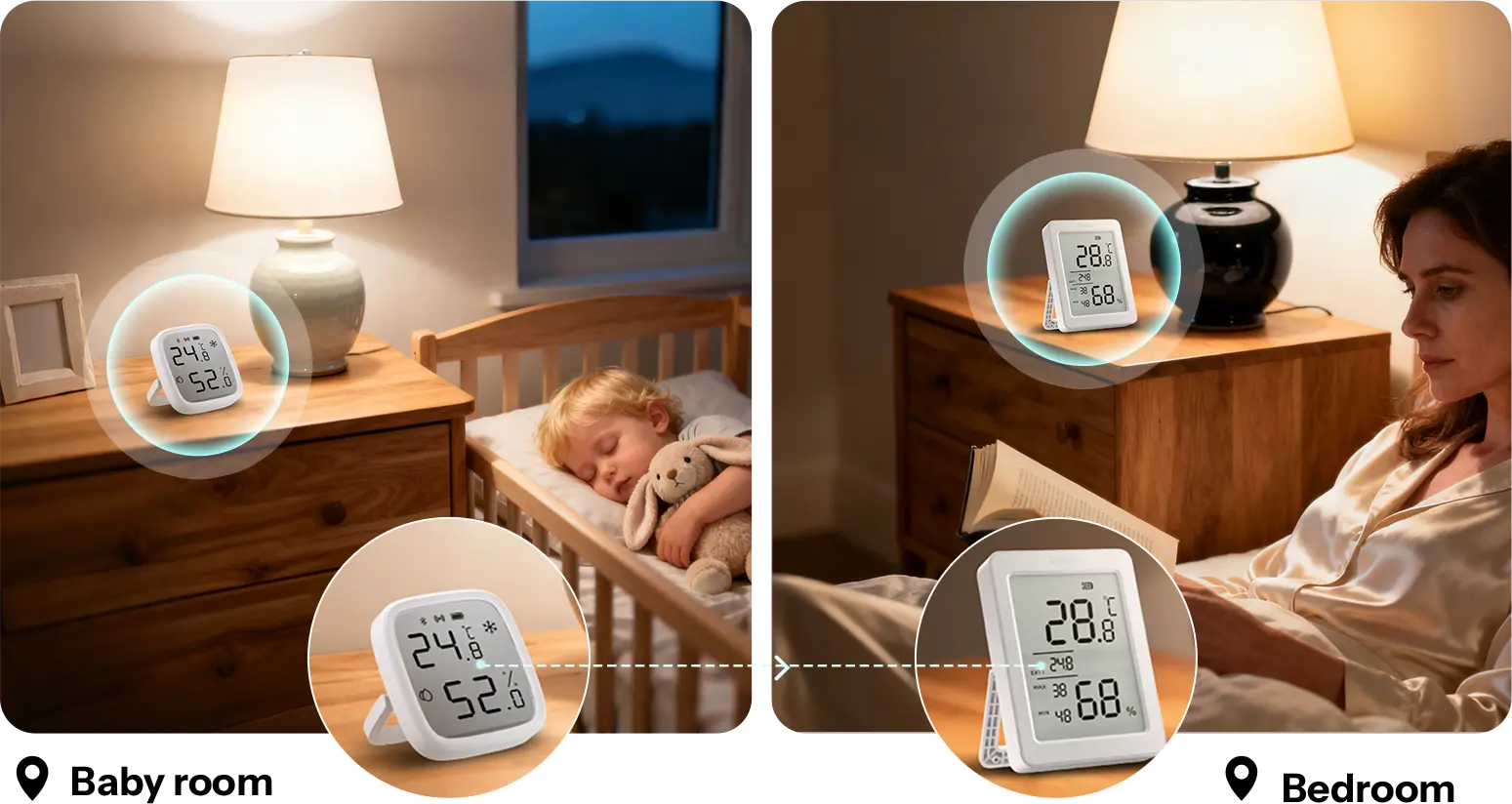
Dual-Sensor Display, Double the Protection
Enable Remote Temperature Display to view data from another sensor on the same gateway directly on
AirGuard TH—letting you monitor conditions in another room or area at a glance—saving time and giving you extra peace of mind
Check the Nursery Without Leaving Bed
Check your weather cue before stepping out

*Need to use smart speakers with corresponding third-party voice platforms.
NOTE:
* Supported devices for Temperatrue: AirGuard TH (require firmware v1.1.0 or above), SNZB-02P,SNZB-02D, SNZB-02WD, SNZB-02LD
* The remote device must be connected to the same SONOFF Zigbee gateway, including: Bridge-P, Bridge-U, NSPanel Pro, iHost
Link to More Real-life Scenarios
AirGuard TH operates reliably from –20–60°C and 0–100% RH, covering nearly all home environments.
With its Remote Temperature Display, you can pair it with various other sensor types under the same gateway and unlock more
versatile monitoring scenarios.
.
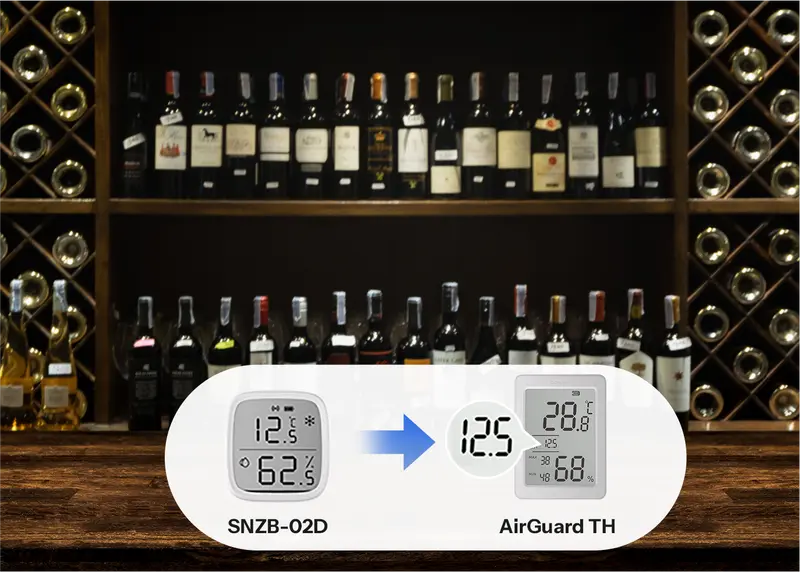
Wine Cellar
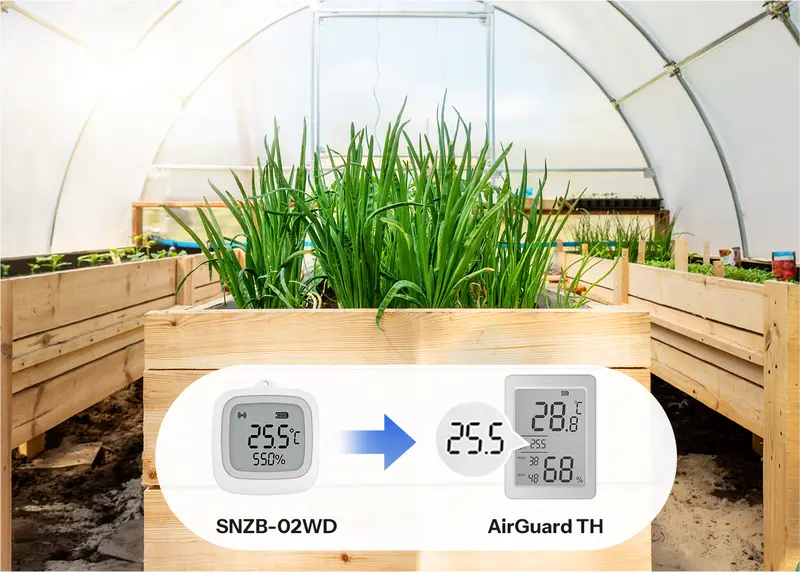
Greenhouse
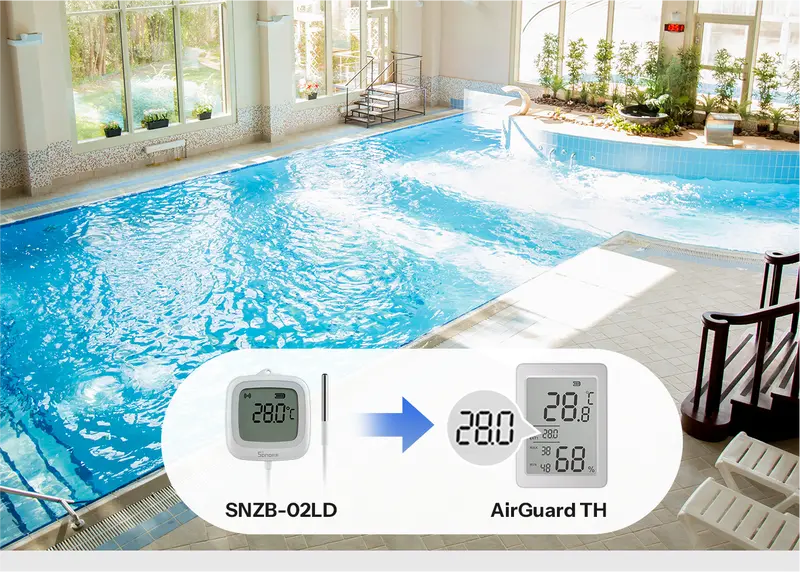
Swimming Pool
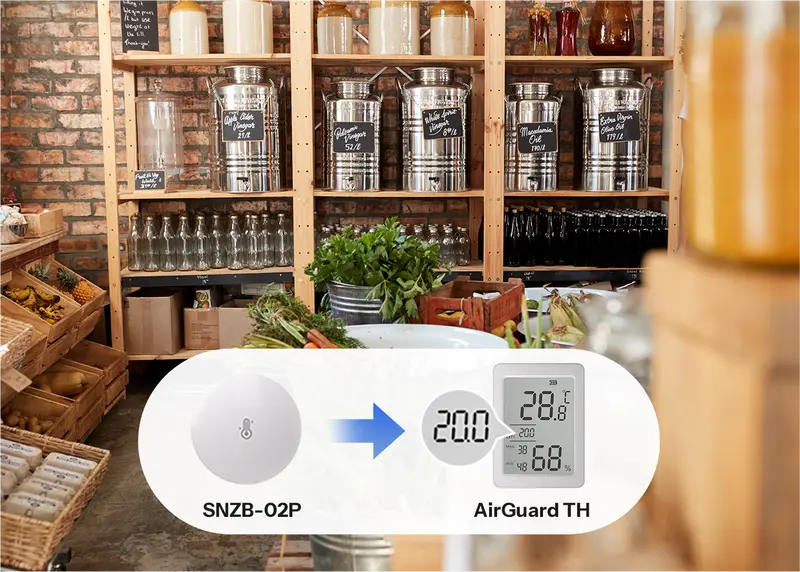
Pantry
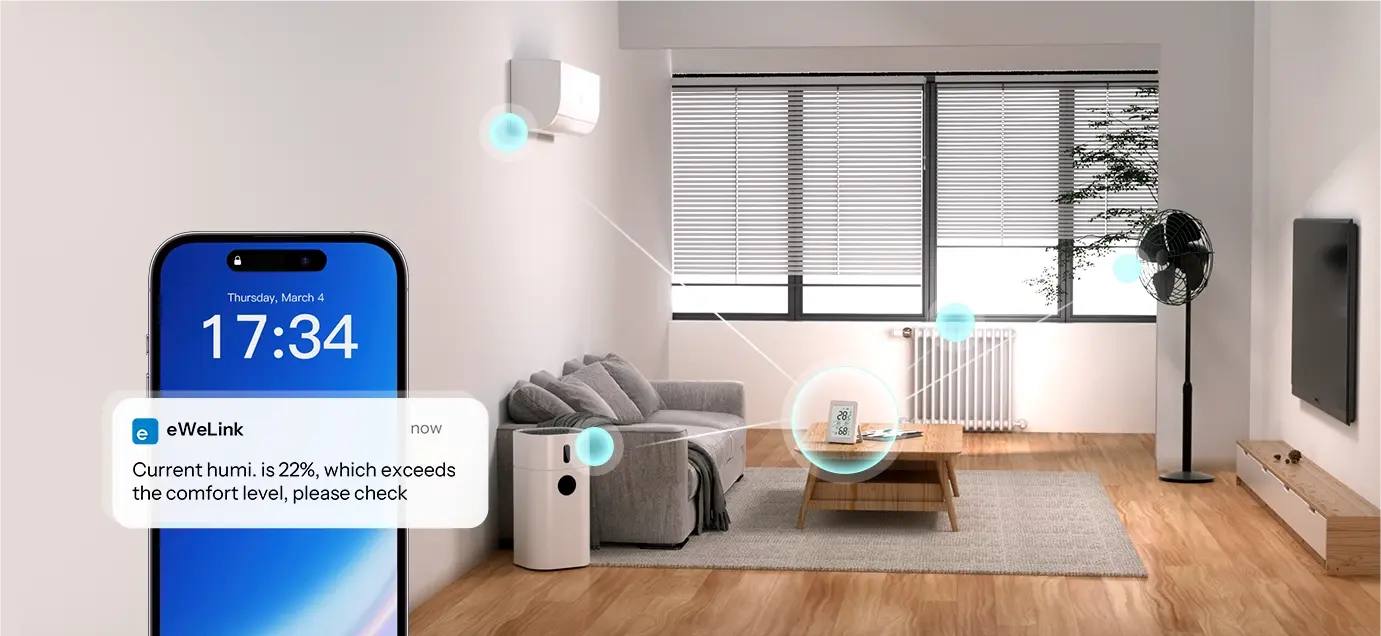
Trigger Whole-Home Environment Control
Automatically triggers smart scenes and sends instant alerts to your phone when temperature or humidity crosses your set thresholds——keeping your entire home in balance, effortlessly.
No gateway? Try ‘Proximity Mode’!
For easier use of AirGuard TH, you can connect the device directly to your phone.
No hub required and still enjoy real-time Temp. & Humi. monitoring and analytics within communication range.
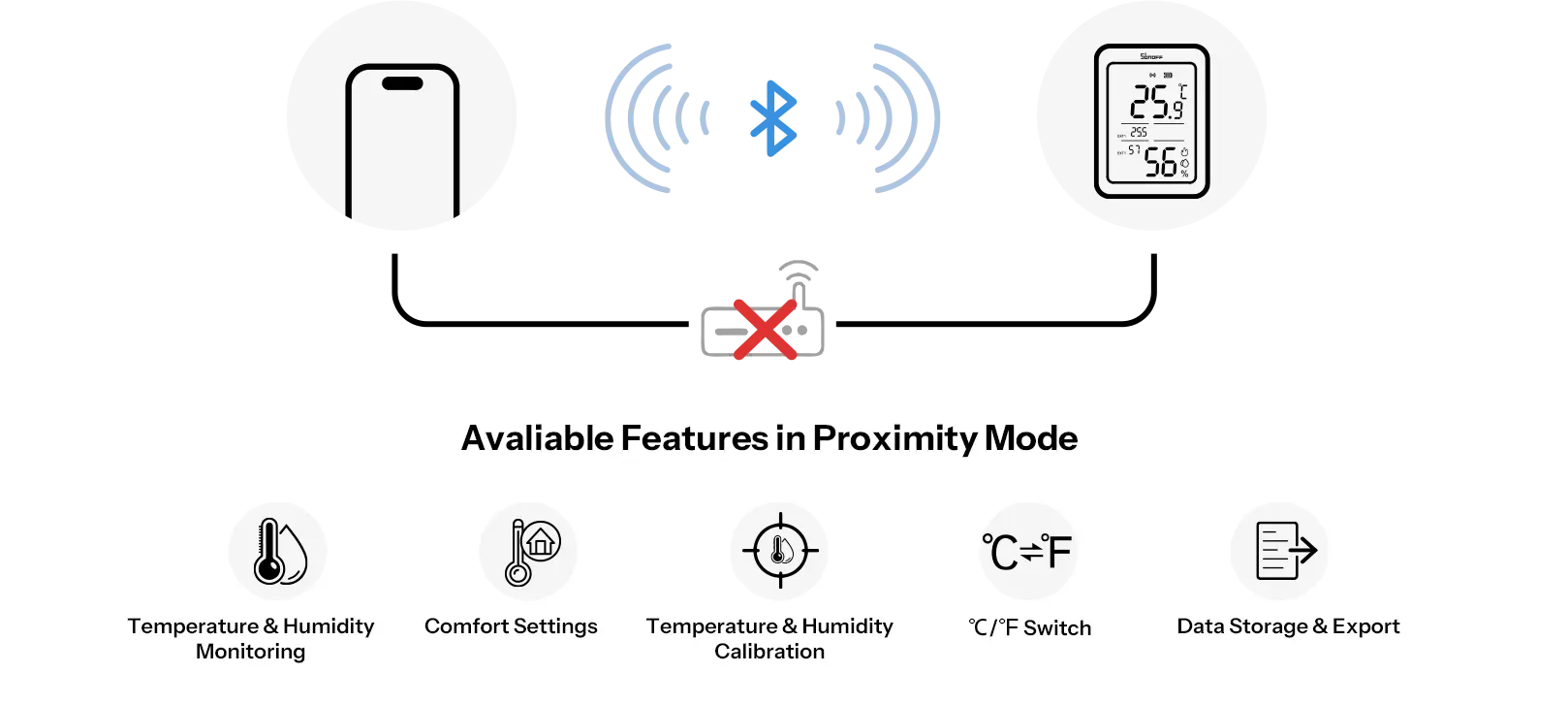
Note:Once the device is connected to a gateway, Proximity Mode will be disabled. Switching modes will restore the device to factory settings.
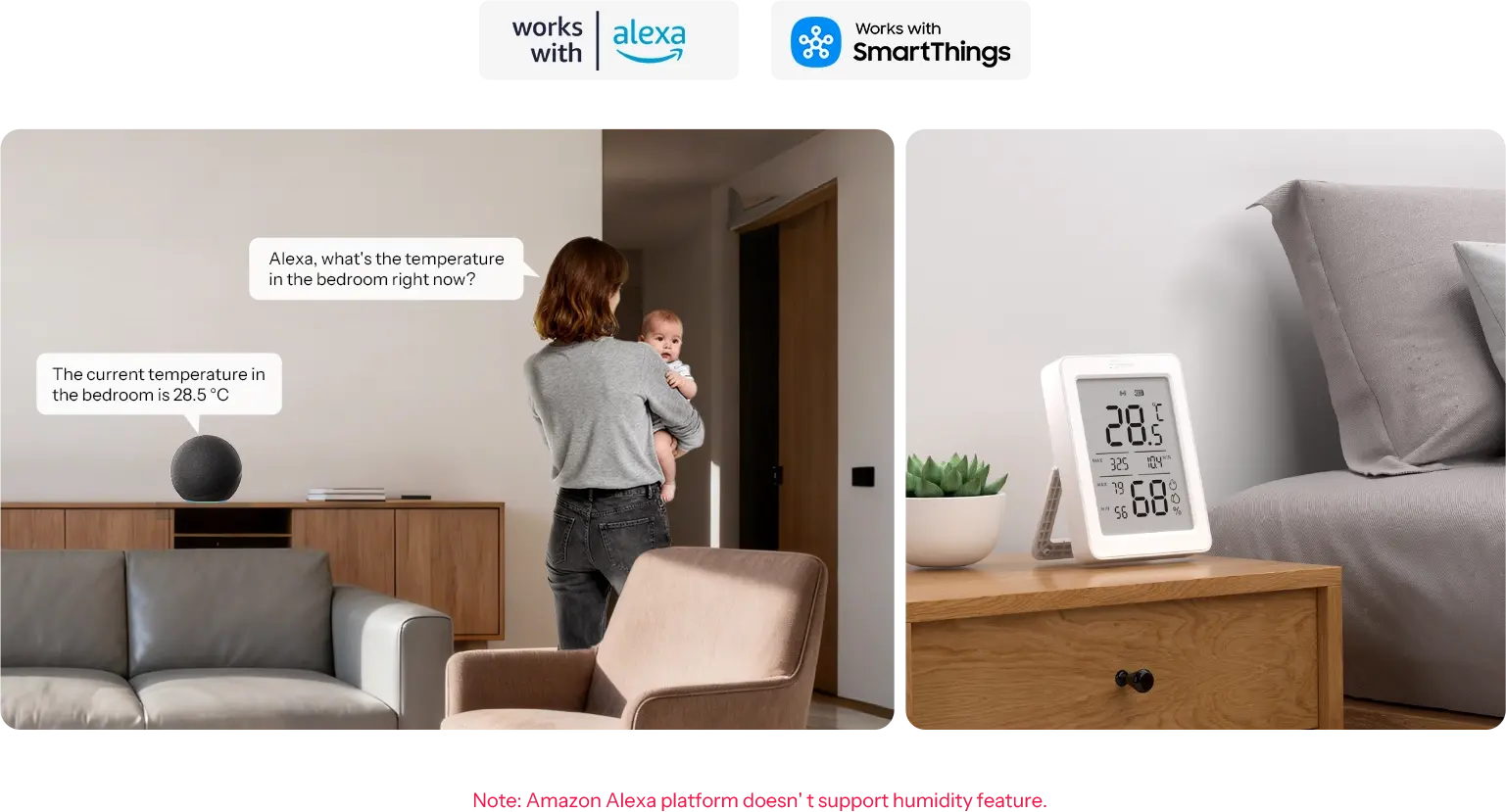
Voice Control with Alexa, Google Home & More
Check Temp. & Humi. readings with your voice.
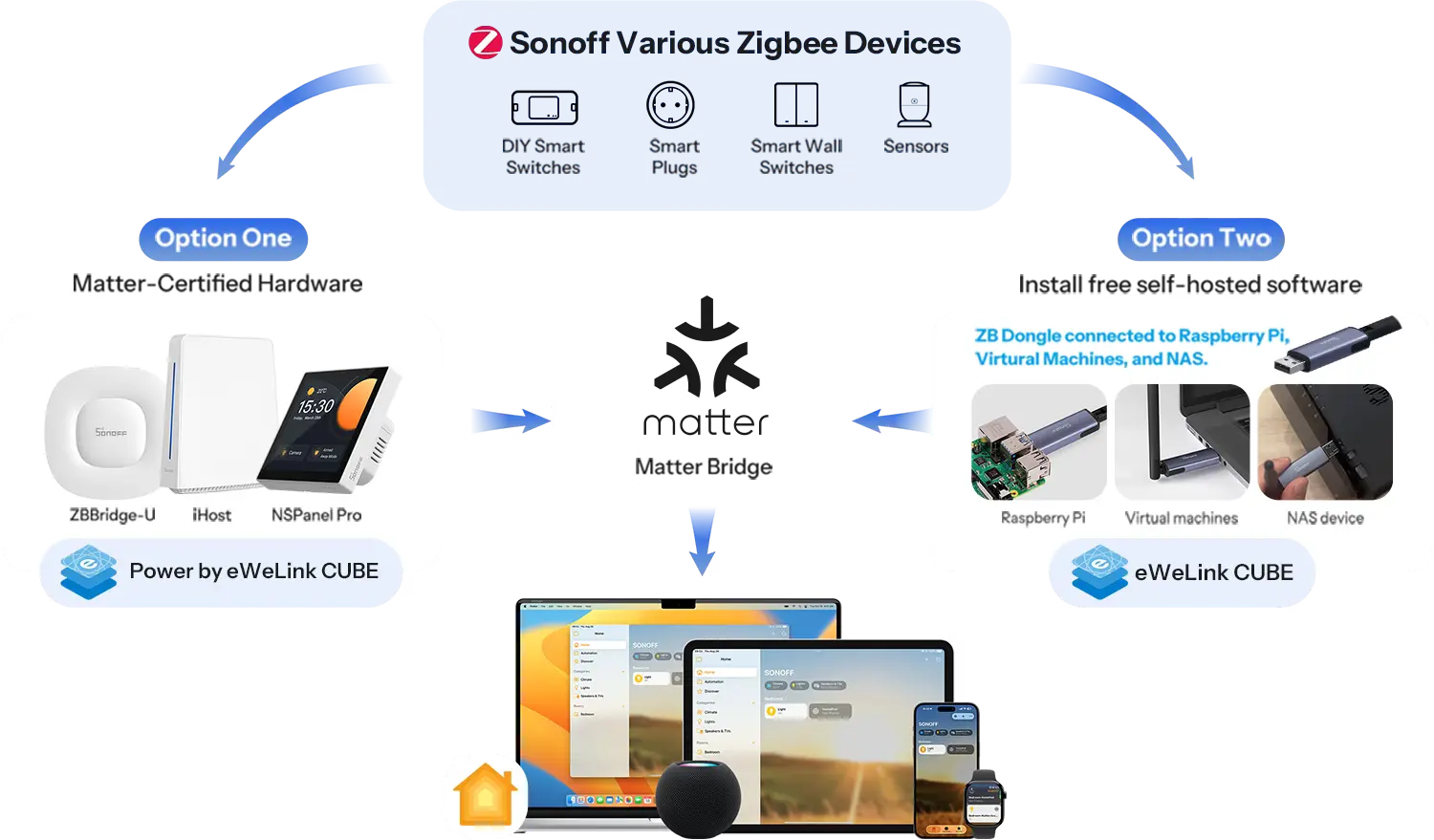
Works with Apple Home Via Matter Bridge
All solutions integrate SONOFF zigbee devices into your Apple ecosystem via Matter Bridge, enabling seamless interconnected device control.
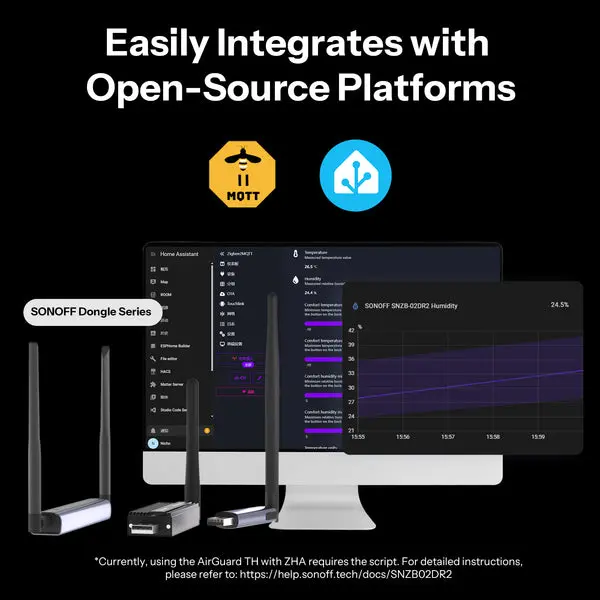
Easily Integrates with Open-Source Platforms
Integrate your devices into the Home Assistant open-source platform with SONOFF Dongle Series, create your own temperature control solution.
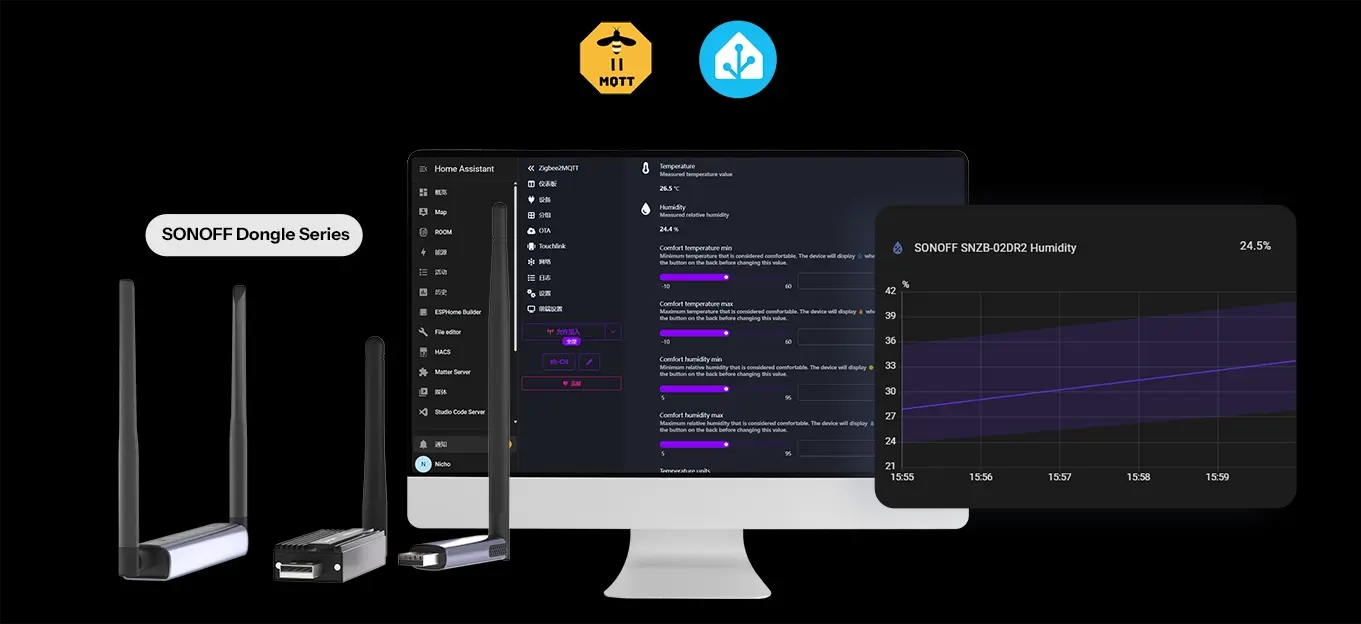
*Currently, using the AirGuard TH with ZHA requires the script. For detailed instructions, please refer to: https://help.sonoff.tech/docs/SNZB02DR2
Zigbee Hub Compatibility
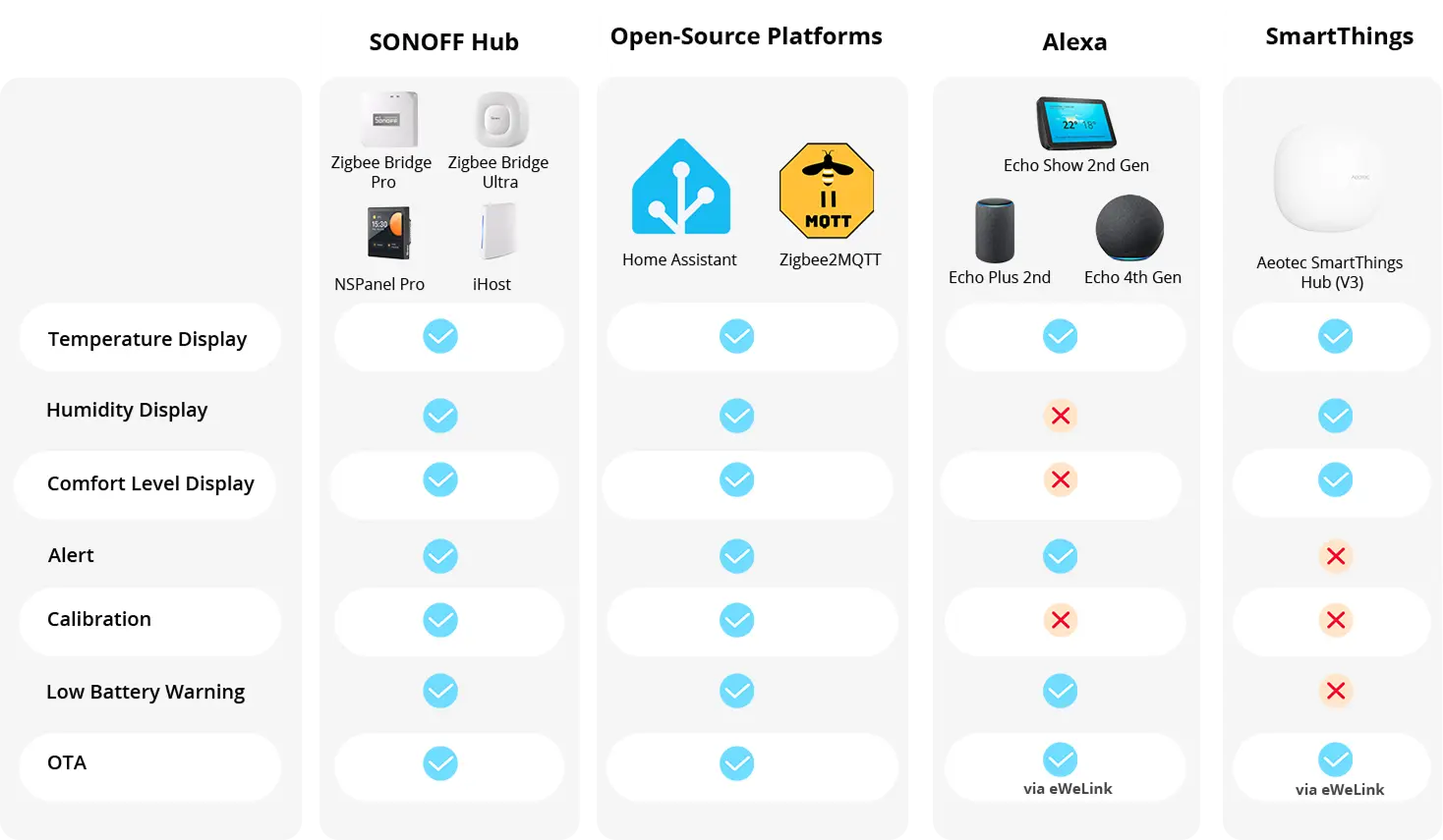
Note: Please upgrade your gateway to the latest firmware version before adding the device.
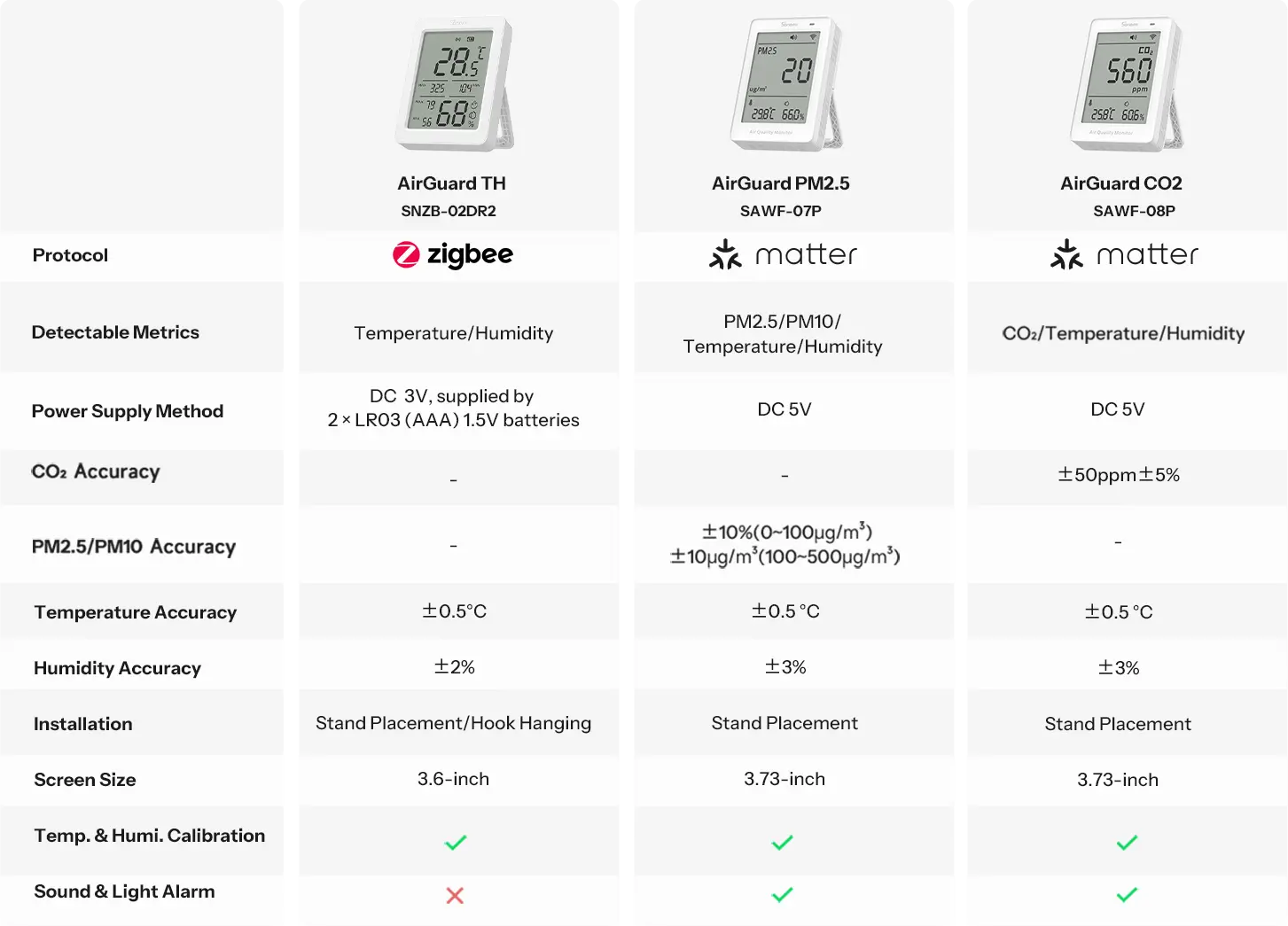
AirGuard Series Comparison
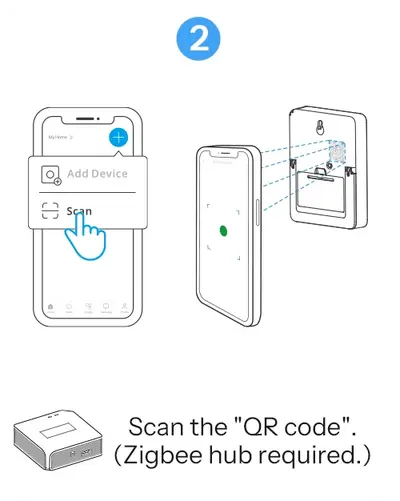
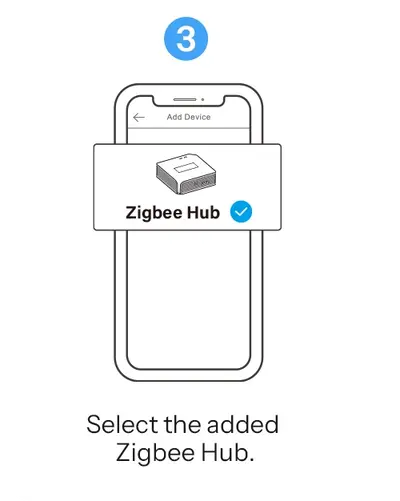
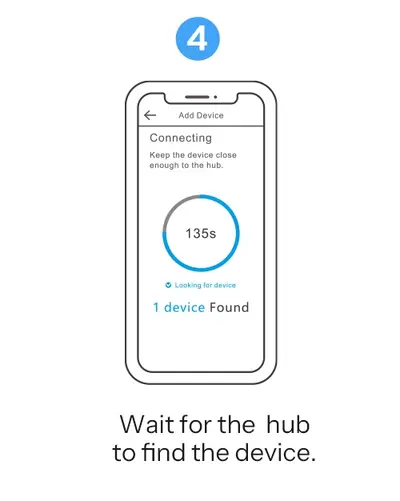
4 Steps to Use
Easily set up. Download the APP, scan the QR code to connect with the zigbee hub and control!
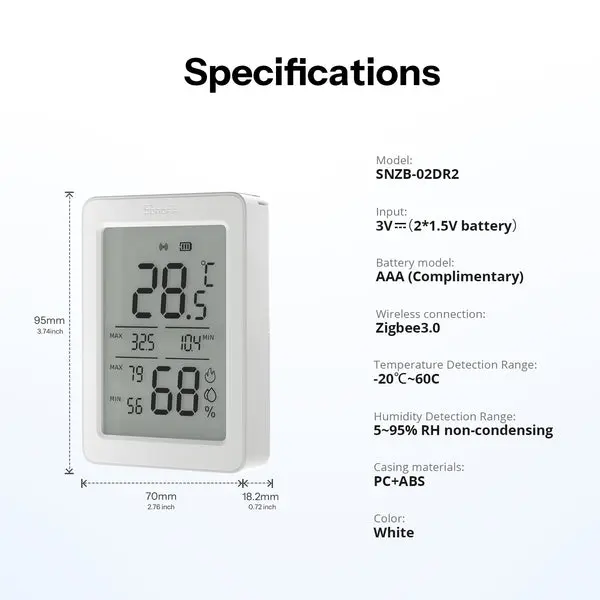
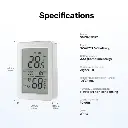
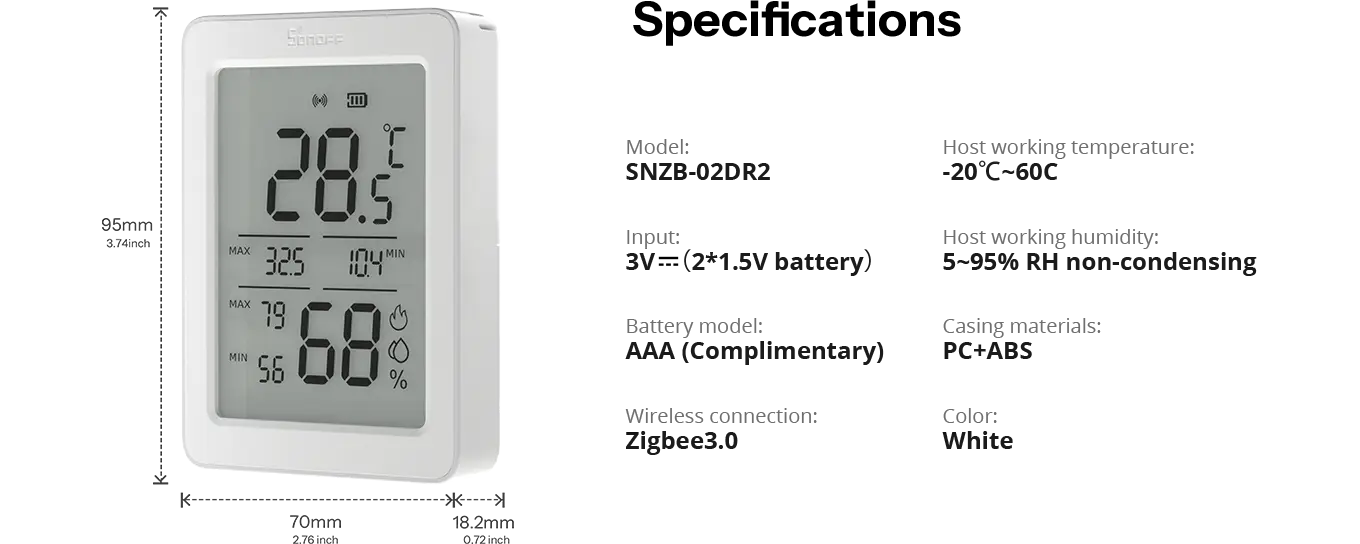
Specifications
Specs & User Manual
AirGuard TH is a Zigbee LCD temperature and humidity sensor designed for comprehensive indoor climate monitoring. Equipped with a 3.6-inch large display, it shows real-time temperature, humidity, 24-hour extremes, and remote sensor data at a glance. The data can be monitored via App and viewed in multiple curves and charts. In Zigbee mode, it can link with SNZB-02/02P/02WD/02D/02LD devices to instantly display other sensor readings, enabling fast checks without using a phone or entering the room. It calculates dew point and VPD curves for quantitative air quality insights and supports adjustable reporting intervals for tailored data updates. Voice query is avaliable after integrated with Alexa, Google Home and SmartThings, making climate management smarter and more convenient.
| Model | SNZB-02DR2 |
| MCU | TLSR8656F512ET32 |
| Zigbee | IEEE 802.15.4 |
| Net Weight | 99.3 g (Battery included) |
| Product Dimension | 95 × 70 × 18.2 mm |
| Casing Material | PC + ABS |
| Working Temperature | -20°C to 60°C |
| Working Humidity | 5%–95% RH, non-condensing |
| Certification | CE / FCC / RoHS |
| FCC ID | 2APN5-SNZB02DR2 |
Frequently asked questions
The smallest measurable change that causes the displayed value on the AirGuard TH to update. Simply put, it refers to how many decimal places the screen data is precise to.
As for AirGuard TH:
Temperature: 0.1°C / 0.1°F
Humidity: 1% RH on display; 0.1% on app
Accuracy refers to the maximum deviation between the measured value and the true value.
As for AirGuard TH:
*Temperture: ±0.2℃(-20~60℃)
*Humidity: ±2%RH (0~100%RH)
*Temperature reportable change: default ±0.2℃, range ±0.2~±1℃
*Humidity reportable change: default ±1%RH, range ±1%RH~±5%RH
If there's a change in value, the default reporting interval is 5s and the ajustable range is 5s~1h.
Yes. For example, with Home Assistant, you can pair the device using Dongle Series, add it via ZHA or Zigbee2MQTT (Z2M).
Please note that currently you need a script to add it to ZHA, please check the instruction and the script at SONOFF Help Center.
Alternative Products
These other products might interest you